
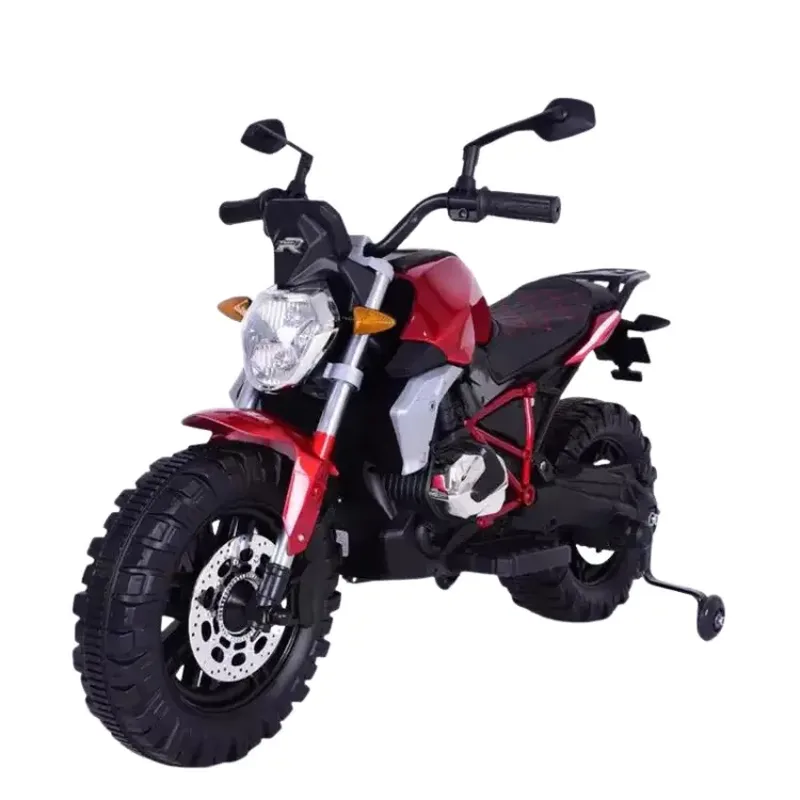
Common Ride-On Vehicle Problems and How to Fix Them at Home
Vehicle won't move? Steering loose? Remote not working? Here are DIY fixes for the most common ride-on issues.
Troubleshooting Guide
Before calling customer support or ordering a replacement, try these DIY fixes. Most ride-on problems are simpler than they seem.
Vehicle Won't Move
- Check if the battery is charged (charger light should turn green after full charge)
- Check the battery connector — make sure it's firmly plugged in
- Check the power switch — some vehicles have a hidden switch under the seat
- Try the remote control — if the vehicle moves via remote, the foot pedal switch may be faulty
Steering Feels Loose or Doesn't Respond
The steering column may have come loose from the steering gear. Remove the steering wheel (usually one screw), check that the shaft connects to the gear underneath, and tighten. If the gear teeth are stripped, a replacement steering gear is needed.
Remote Control Not Working
- Replace the remote batteries (usually 2x AA)
- Re-pair the remote: turn off the vehicle, turn it back on while holding the remote's pairing button
- Check range — stay within 20 metres
- Check for interference — other 2.4GHz devices nearby can cause issues
Vehicle Pulls to One Side
If the vehicle consistently turns left or right, one of the two motors may be faulty or one wheel may be binding. Check both rear wheels spin freely. If one motor is dead, it needs replacement — available in our spare parts section.
Grinding or Clicking Sounds
Usually caused by a stone or debris caught in the wheel gear. Flip the vehicle over, remove the wheel cap, and clear any debris. If the sound persists, a gear may need replacement.